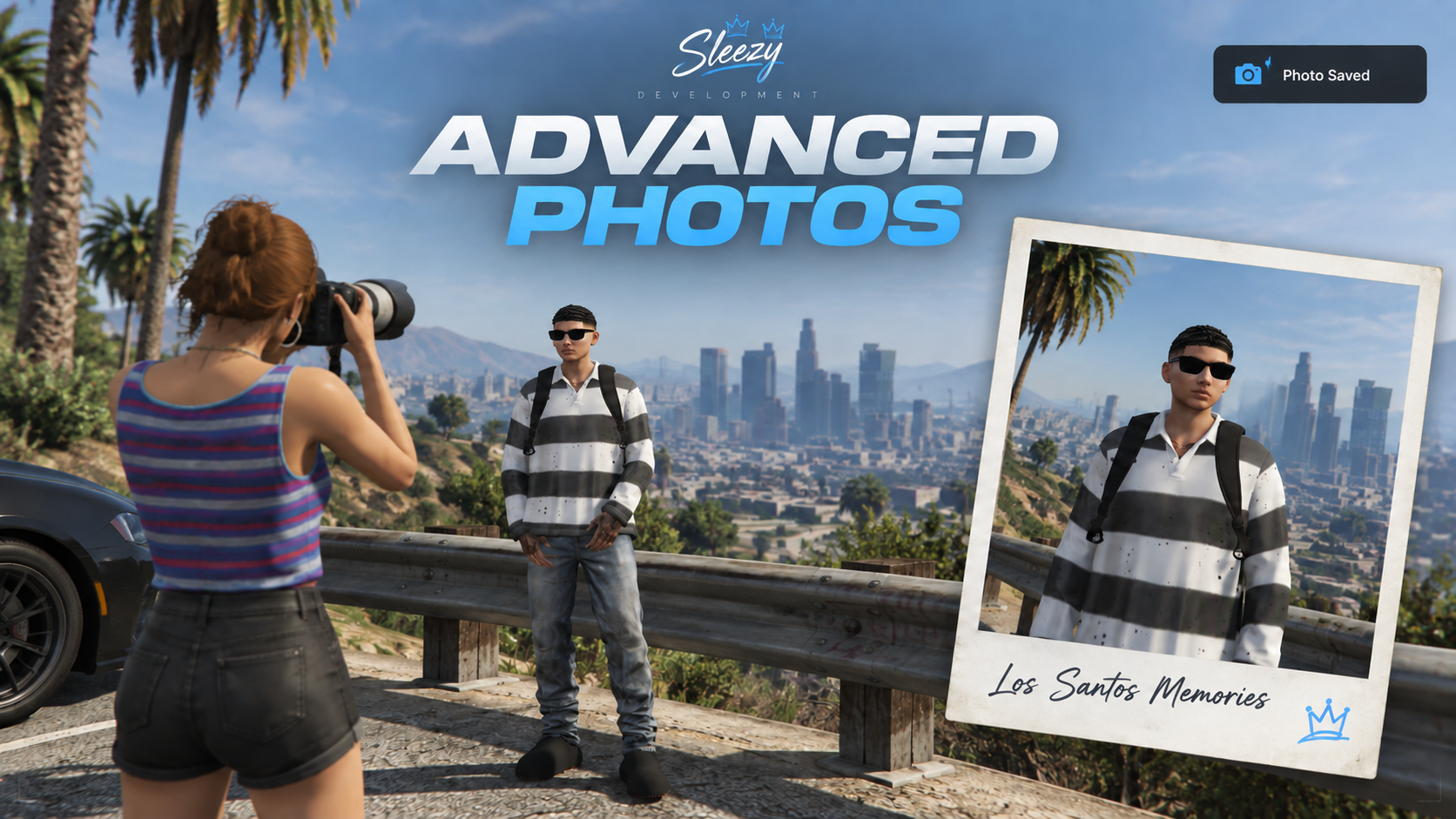
Sleezy Development • Advanced Photos System
Give players a clean way to capture and keep memories from around the city with the Sleezy Photos System.
Players can visit configured picture points, enter a controlled free-camera mode, adjust their angle and zoom, apply live filters, review the photo, add a caption, and save it to their private gallery. They can also receive a physical photograph item and show the picture to nearby players in-game.
The system is fully configurable and supports Qbox, QBCore, ESX, and Standalone servers.
Features
Scenic picture points placed around the map
Smooth bounded free-camera mode
Adjustable camera movement and zoom
Optional vertical camera movement
Live photo filters
Photo review before saving
Custom captions
Secure hosted image uploads
Private player photo gallery
Physical photograph inventory item
Unique metadata stored on each photograph
Show photographs to nearby players
Polaroid-style photo display
Configurable display duration and distance
Same routing bucket protection
Optional photo-ticket payment
Cash, bank, item, or free photo sessions
Configurable photographer peds
Camera prop and photographer animation
Optional map blips
Optional job or ACE restrictions
Configurable cooldowns and security limits
Automatic payment refunds if saving fails
JSON storage fallback when oxmysql is unavailable
Clean and responsive camera interface
No unnecessary external UI libraries
Included Filters
Natural
Sunny
Vintage
Mono
Sepia
Cold
Warm
Faded
Noir
Dreamy
Neon Night
Golden Hour
More filters can be added through the configuration.
Supported Frameworks
Qbox
QBCore
ESX
Standalone
Supported Inventories
ox_inventory
qb-inventory
QBCore inventory
ESX inventory
Standalone integration hooks
Supported Interaction Systems
ox_target
qb-target
Built-in [E] interaction
Command interaction
Storage Support
oxmysql
JSON
Automatic detection
When oxmysql is unavailable, saved photos can automatically use the included JSON storage system.
Commands
/photos
Opens the player’s private photo gallery.
/photobooth
Starts the camera at the nearest configured picture point.
/putphotoaway
Closes a photograph currently being displayed.
Configurable Payments
Photo sessions can be configured to use:
Free access
Cash
Bank money
Inventory items
Photo tickets
Payments are checked when the session starts but are only removed after the hosted photo has been verified successfully.
Photograph Items
Saved photographs can be delivered as inventory items containing unique metadata for the captured image.
Players can drag the photograph to use it and display the picture to nearby players.
The included installation files contain entries and images for:
photograph
photo_ticket
Security
Important actions are checked by the server, including:
Player location
Maximum camera distance
Session validity
Upload validity
Hosted image domain
Caption length
Player cooldown
Payment status
Routing bucket
Inventory capacity
Repeated requests
The media upload token remains server-sided and is never stored inside the client, NUI, or shared configuration.
Requirements
Required:
screenshot-basic
A Fivemanage media token for hosted photo uploads
Optional and automatically detected:
qbx_core
qb-core
es_extended
ox_inventory
qb-inventory
ox_target
qb-target
ox_lib
oxmysql
Configuration
The configuration allows you to edit:
Branding and interface colors
Commands
Camera movement
Camera zoom
Capture quality
Maximum camera distance
Filters
Picture-point locations
Photographer ped models
Entry pricing
Payment type
Access restrictions
Gallery limits
Photo display radius
Photo display duration
Blips
Security limits
Inventory item names
Included Files
Complete Sleezy Photos resource
Editable configuration
Installation guide
ox_inventory item entries
QBCore item entries
ESX item SQL
Photo database SQL
Inventory images
Server configuration example
Testing checklist
Standalone integration hooks
Important Information
This is a digital FiveM resource. Basic server installation knowledge is recommended.
The resource folder must remain named:
sleezy_photos
The Fivemanage token must be placed inside server.cfg and should never be placed inside shared, client, HTML, or JavaScript files.
Custom inventory items must exist inside your selected inventory before they can be delivered.
Resource: sleezy_photos
Version: 2.0.1
Developer: Sleezy Development
Script Preview: (1) Sleezy Development - YouTube
Discord Support: Discord
