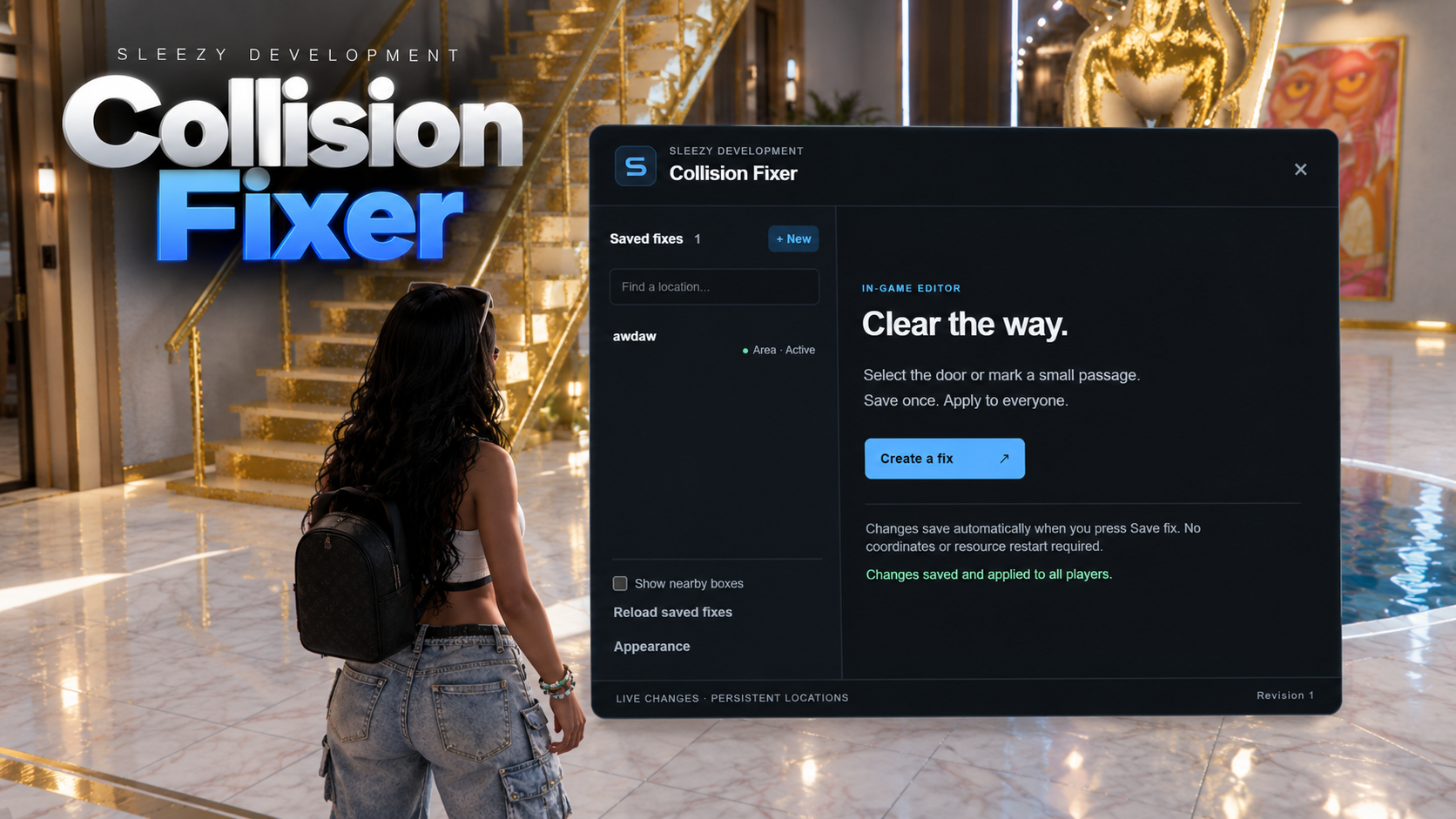
Sleezy Development • Advanced Collision Fixer
Fix unwanted collision issues throughout your FiveM server with an advanced in-game collision management system designed for custom MLOs, interiors, doorways, props, and roleplay environments.
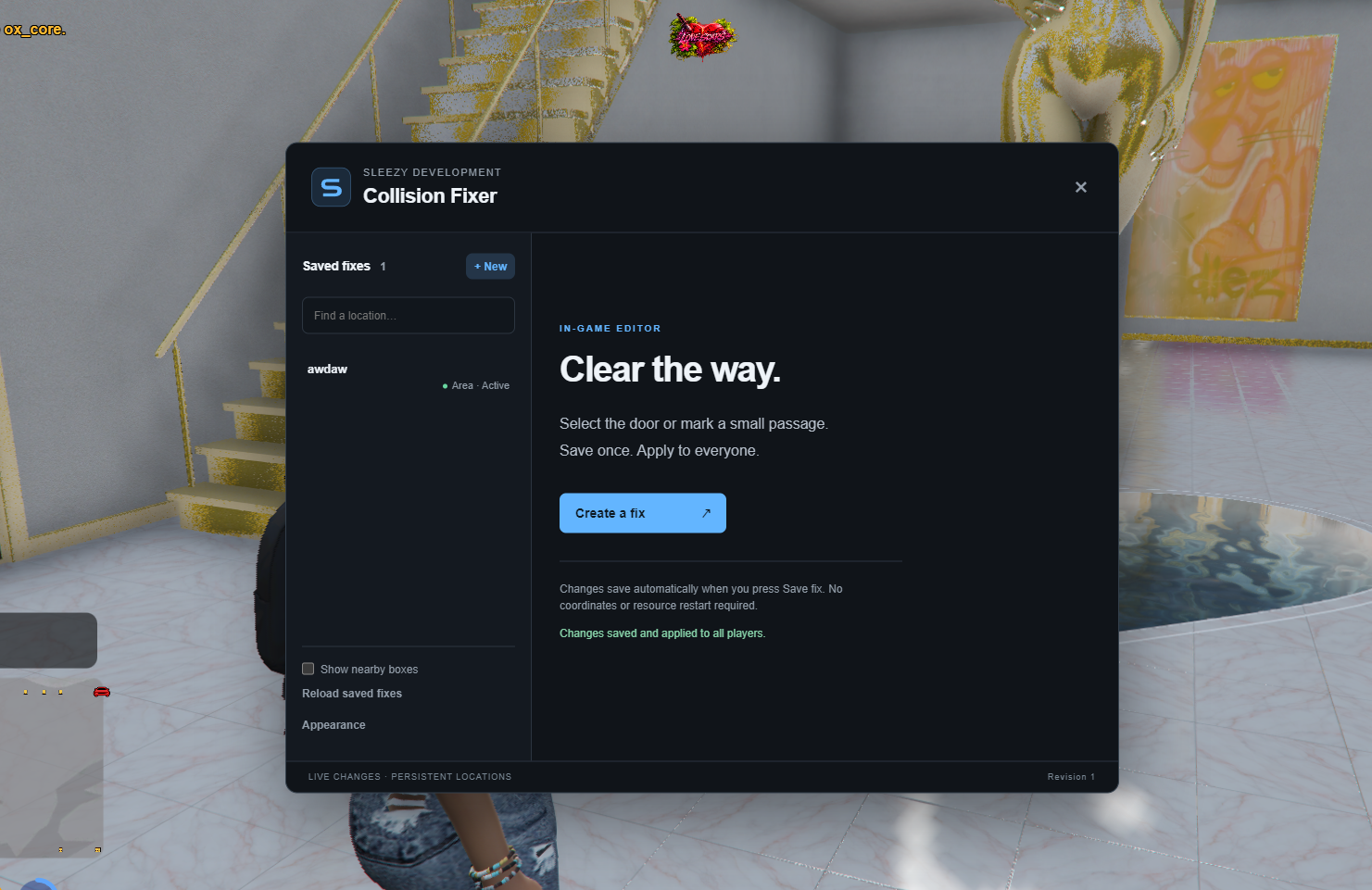
The Advanced Collision Fixer allows server administrators to create, adjust, and save collision fixes directly in-game without manually editing map files or entering coordinates.
Whether you're dealing with invisible barriers, blocked entrances, misplaced object collisions, or inaccessible areas inside custom interiors, this system provides multiple methods for managing problematic collision locations.
Built with an interactive editor, freecam placement tools, automatic obstacle detection, and persistent saving to make collision management easier for server owners.
🔒 Asset Escrow Support
⚡ Configurable Performance Settings
🛠️ Advanced In-Game Collision Editor
📍 Persistent Collision Fixes
🎮 ESX / QBCore / QBOX / Standalone
⚙️ Features
Advanced in-game collision management system
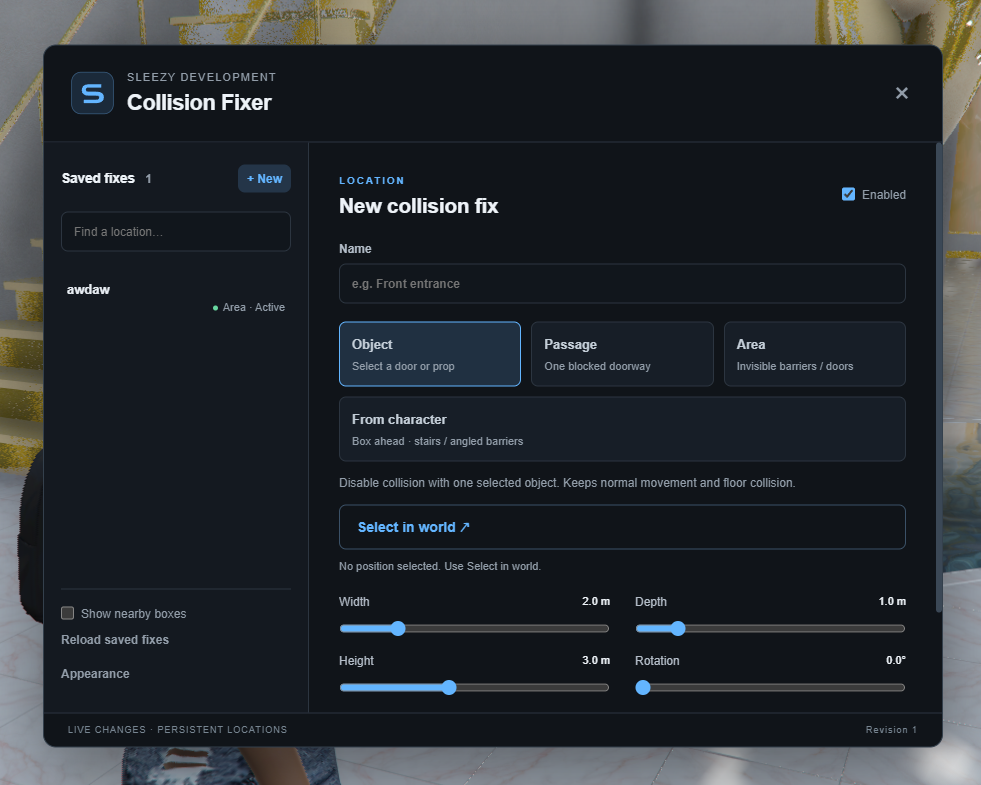
Four different collision management modes
Automatic obstacle detection within configured areas
Selective object collision handling
Invisible barrier and blocked pathway management
Custom MLO and interior support
Interactive collision placement editor
Freecam placement and positioning
Real-time collision box previews
Adjustable collision zones
Custom width, depth, height, and rotation
Character-based placement system
Configurable collision crossing behavior
Floor and exit safety checks
Collision fixes synchronized across connected players
Persistent location saving
Enable or disable individual fixes
Edit, rename, and delete saved locations
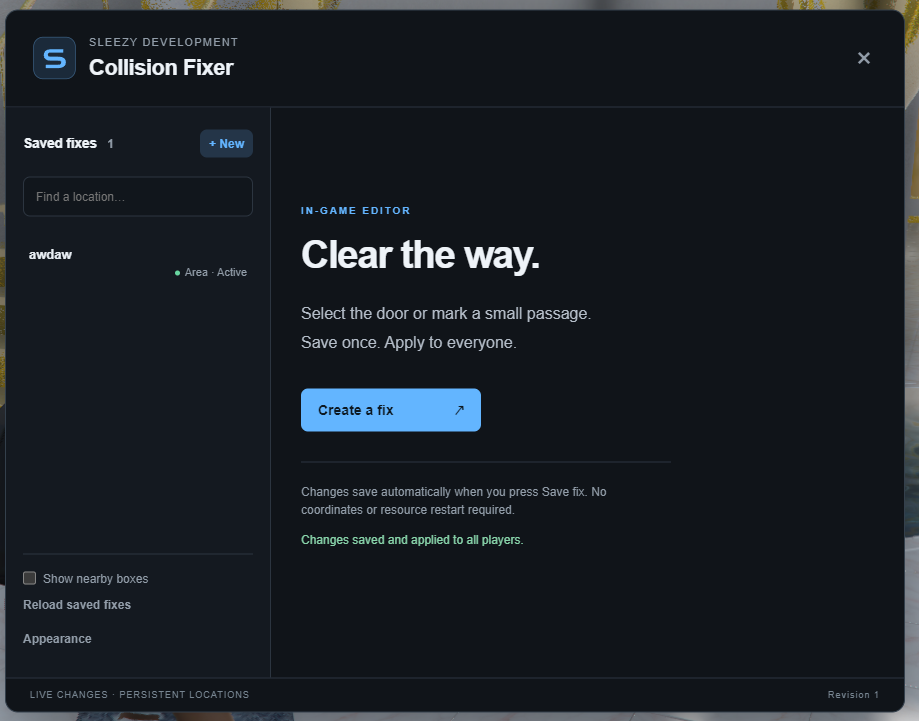
Searchable saved collision list
Debug visualization for nearby zones
Custom admin permissions
Configurable interface branding
No database installation required
Fully configurable through config.lua
🛠️ Collision Management Modes
Object Mode
Select individual doors, props, and supported objects
Create targeted collision fixes
Adjustable collision boundaries
Preserve normal surrounding world collision
Manage specific problematic objects without affecting entire interiors
Passage Mode
Create controlled crossings through short, blocked pathways
Designed for level doorways and entrances
Adjustable crossing direction and dimensions
Supports movement from either direction
Cancels interrupted crossings and returns players to their starting position when appropriate
Area Mode
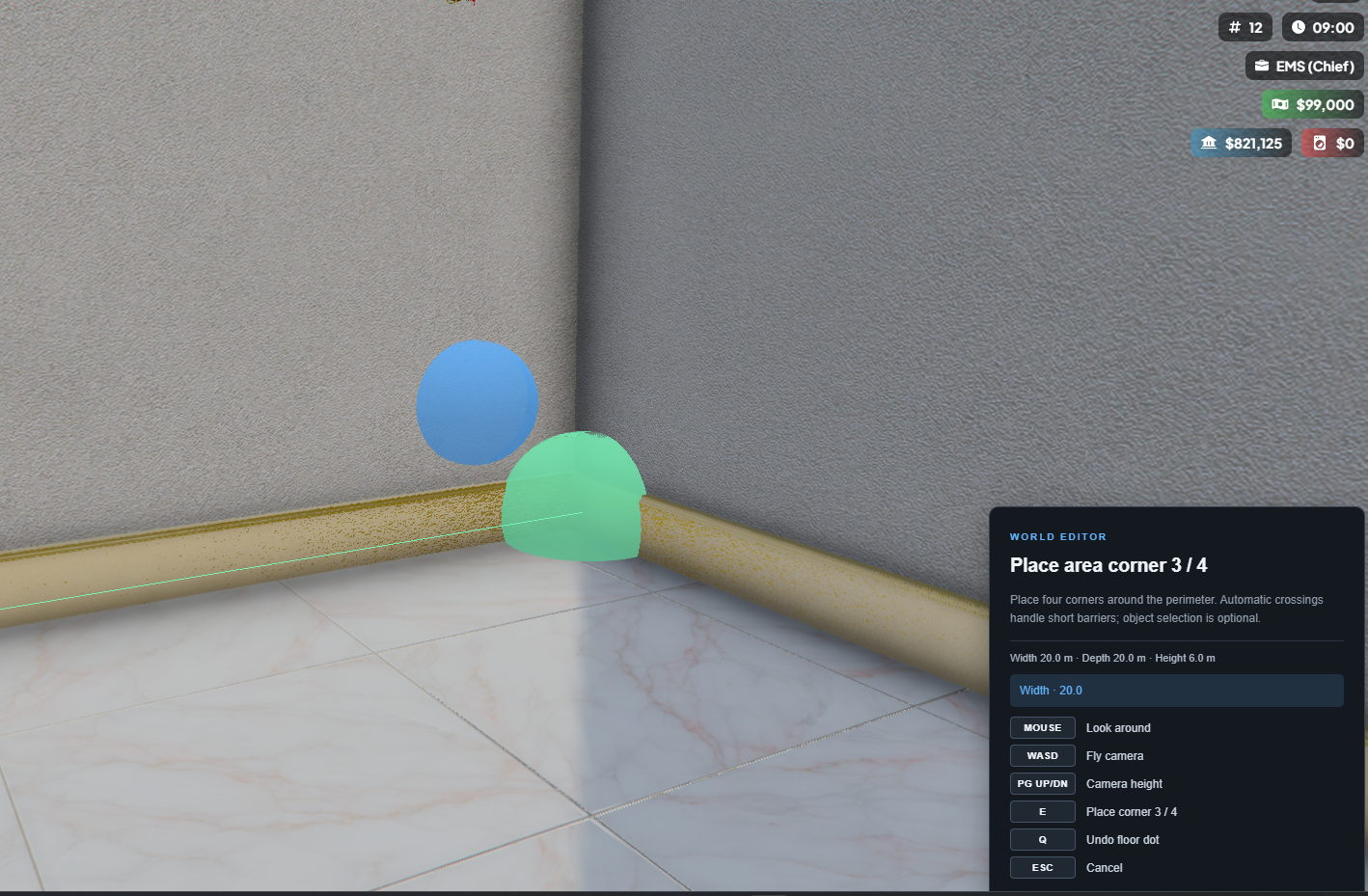
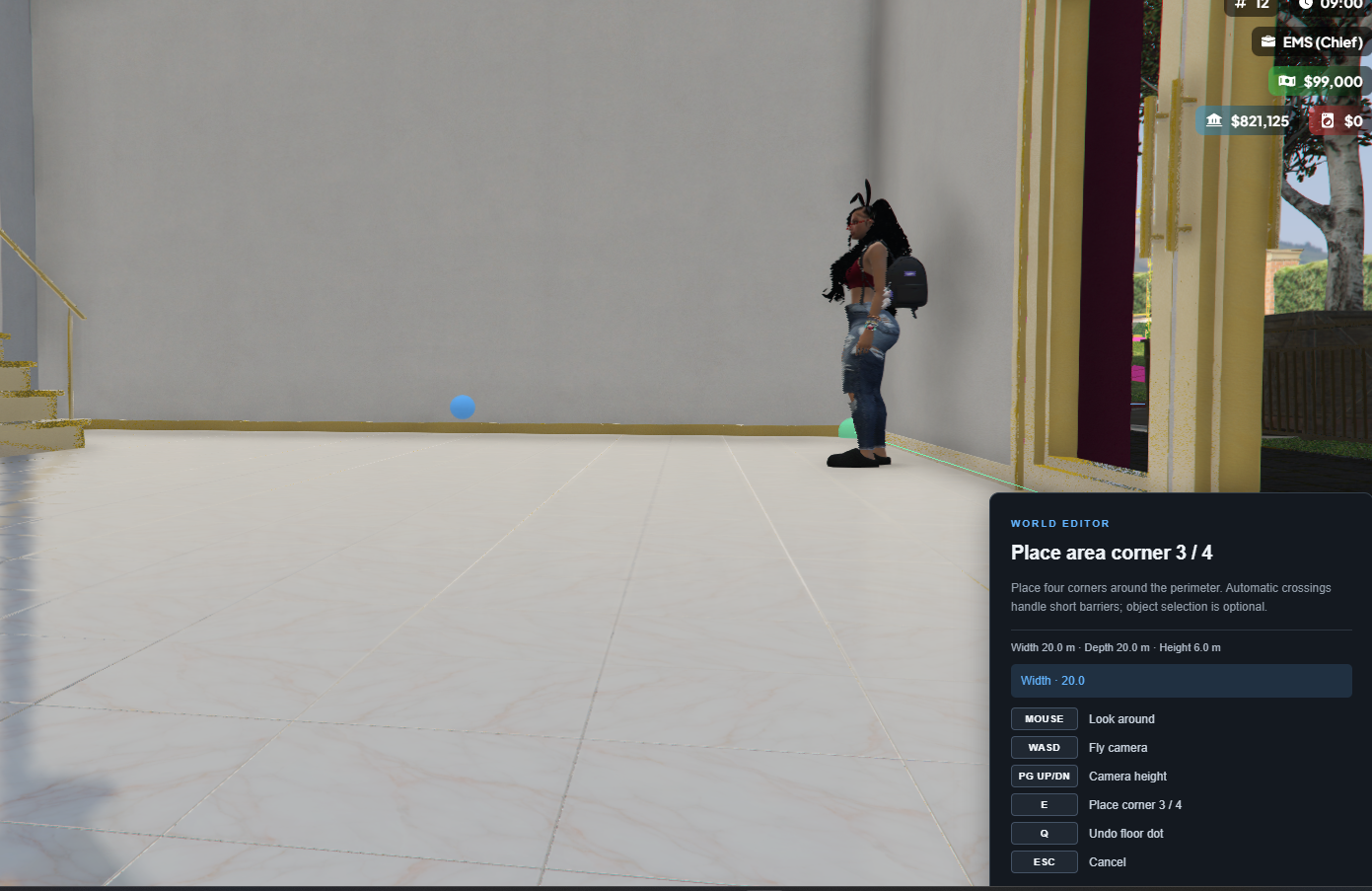
Create custom collision management areas
Mark an area using four floor points
Automatic detection of nearby obstacles while walking
Supports selected object collision handling
Configurable area dimensions
Short-range automatic crossing system
Floor support and exit validation
Designed for larger custom interiors and MLO locations
From Character Mode
Generate a collision zone using your character's location
Automatically align placement with character direction
Adjustable elevation and tilt
Supports checked short crossings along compatible steps and slopes
Useful for positioning fixes around difficult entrances and pathways
🎮 In-Game Editor
Open the editor with /collisionfixer
Modern management interface
Interactive freecam placement
Mouse-controlled camera movement
Keyboard-based positioning
Adjustable zone dimensions
Move, resize, rotate, and elevate collision boxes
Live placement instructions
Visual placement guides
Save fixes directly through the UI
No resource restart required when saving changes
Independent scrolling for saved fixes and editor settings
🔐 Admin & Permission Support
ACE permissions
QBCore admin permissions
QBOX admin compatibility
ESX administrator groups
Standalone ACE support
Configurable admin groups
Optional identifier whitelist
Server-side permission validation
🎨 UI & Customization
Customizable interface colors
Custom server branding
Custom logo support
Local image and HTTPS logo support
Editable interface title
In-game appearance settings
Configurable command names
Adjustable freecam settings
Configurable detection intervals
Custom collision zone limits
Editable config.lua
💾 Persistent Saving
All created collision fixes are saved automatically to the resource's JSON data file.
Saved locations persist across resource restarts
Changes synchronize to connected players
Edit existing collision fixes
Enable or disable individual locations
Delete unwanted fixes
Reload saved locations
No SQL database required
🧩 Framework Support
ESX
QBCore
QBOX
Standalone
Automatic framework detection
📦 What's Included
Advanced Collision Fixer Resource
In-Game Collision Management UI
Four Collision Management Modes
Freecam Placement System
Automatic Area Obstacle Detection
Persistent Location Saving
Admin Permission System
Custom Branding Options
Editable Configuration
Installation Instructions
🏠 Perfect For
Custom FiveM MLOs
Interior Collision Issues
Blocked Doorways
Invisible Barriers
Misaligned Prop Collisions
Custom Buildings
Roleplay Businesses
Custom Housing Interiors
Map Development & Testing
Server Administrators
Mapping and Interior Creators
⚙️ Important Information
This resource provides targeted collision handling and controlled movement through configured locations. It does not permanently modify or rebuild GTA V map collision files.
Automatic crossings are limited to short, validated routes, and some collision problems may require corrections to the original map or MLO.
Server owners should test configured zones to ensure intended walls, locked doors, floors, and restricted areas remain protected.
💎 Why Choose This System?
The Advanced Collision Fixer gives server owners a practical way to manage collision problems without repeatedly editing coordinates or rebuilding entire map resources.
With its in-game editor, multiple collision modes, automatic area detection, and persistent saving, administrators can manage problem locations and apply changes directly to their server.
Designed for FiveM communities using custom interiors, MLOs, and maps that need more control over player movement and collision interactions.
Developer: Sleezy Development
Version: 2.8.2
Frameworks: ESX • QBCore • QBOX • Standalone
Resource: sleezy_collisionfixer
Sleezy Development • Premium FiveM Systems
Script Preview: (1) Sleezy Development - YouTube
Discord Support: Discord
