Sleezy Development • Advanced Admin Center System (ESX, QBCore, QBOX & Standalone)
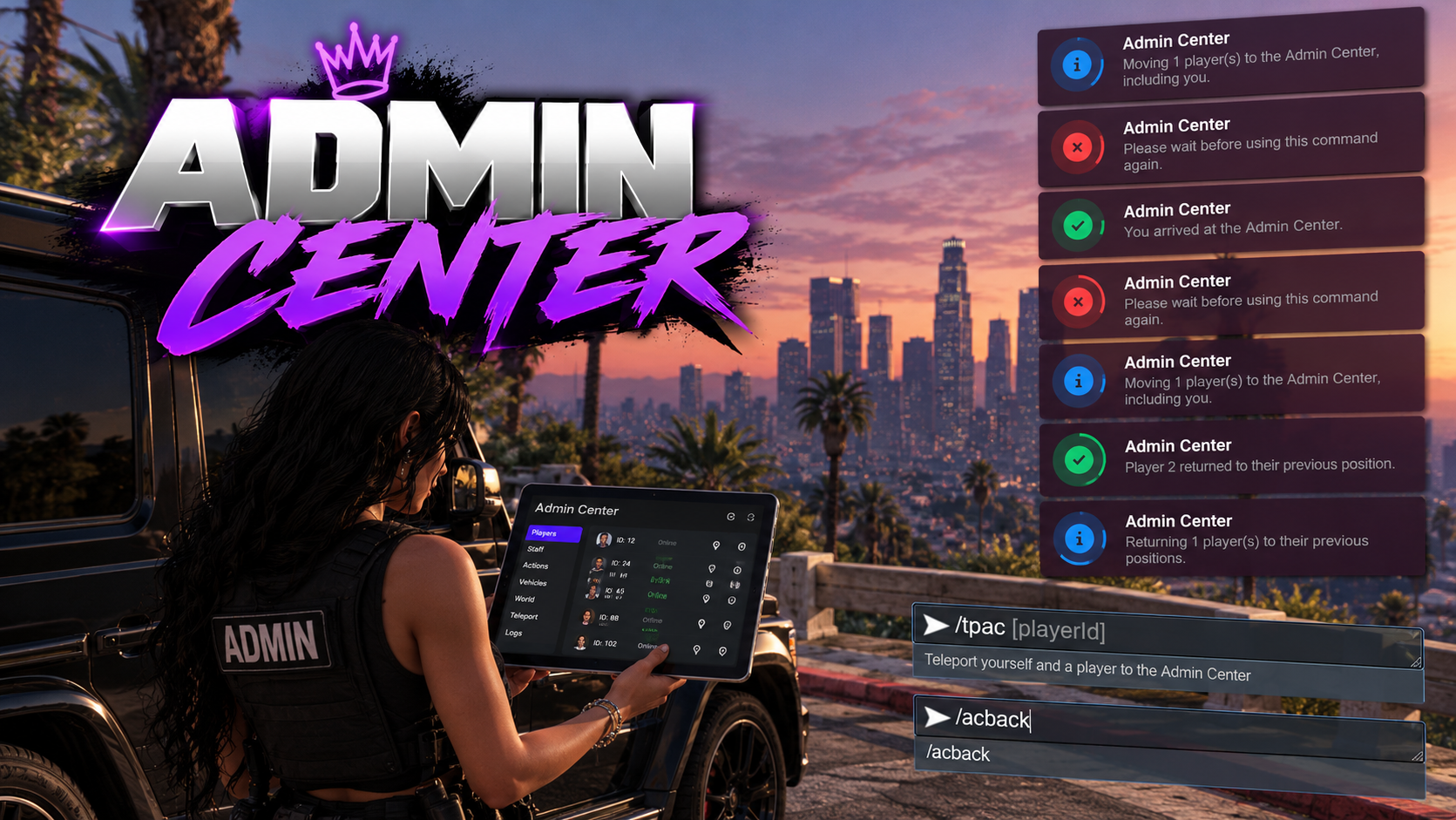
Make staff meetings, player assistance, and group teleportation easier with the Sleezy Development Advanced Admin Center System.
Designed for FiveM roleplay communities, this resource allows authorized administrators to bring themselves and selected players to a configured Admin Center location using simple in-game commands.
Whether you're organizing staff meetings, handling roleplay situations, gathering players for announcements, or moving groups to a designated location, the system provides controlled teleportation with automatic positioning, configurable permissions, and return functionality.
Administrators can teleport multiple players together, automatically position everyone at separate locations, and return players to their previously saved positions when finished.
Built with framework integration, routing bucket management, vehicle handling, collision checks, and server-side teleport validation.
🛠️ Admin Center Teleportation
👥 Multi-Player Group Teleporting
📍 Custom Admin Center Location
↩️ Return Players to Previous Locations
🚗 Configurable Vehicle Handling
🔐 Administrator Permission System
🎮 ESX / QBCore / QBOX / Standalone
⚙️ Features
- Advanced administrator teleportation system
- Teleport yourself to a configured Admin Center
- Bring multiple players simultaneously
- Individual player teleport commands
- Group teleportation support
- Configurable maximum player limits
- Automatic group positioning
- Adjustable player spacing
- Custom Admin Center coordinates
- Configurable player formation
- Return players to previous positions
- Individual player return commands
- Group return functionality
- Original routing bucket restoration
- Configurable routing bucket support
- Vehicle-aware teleportation
- Automatic vehicle exit handling
- Optional solo-driver vehicle teleportation
- Screen fade transitions
- Collision loading checks
- Automatic rollback for supported failed teleports
- Server-side destination confirmation
- Character session validation
- Configurable teleport timeouts
- Command cooldown protection
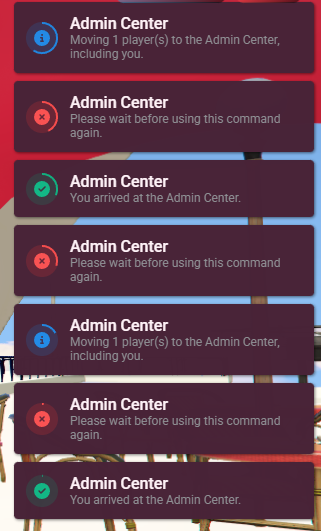
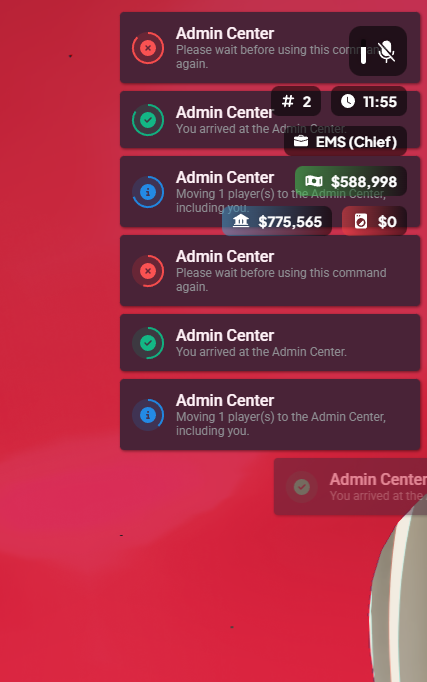
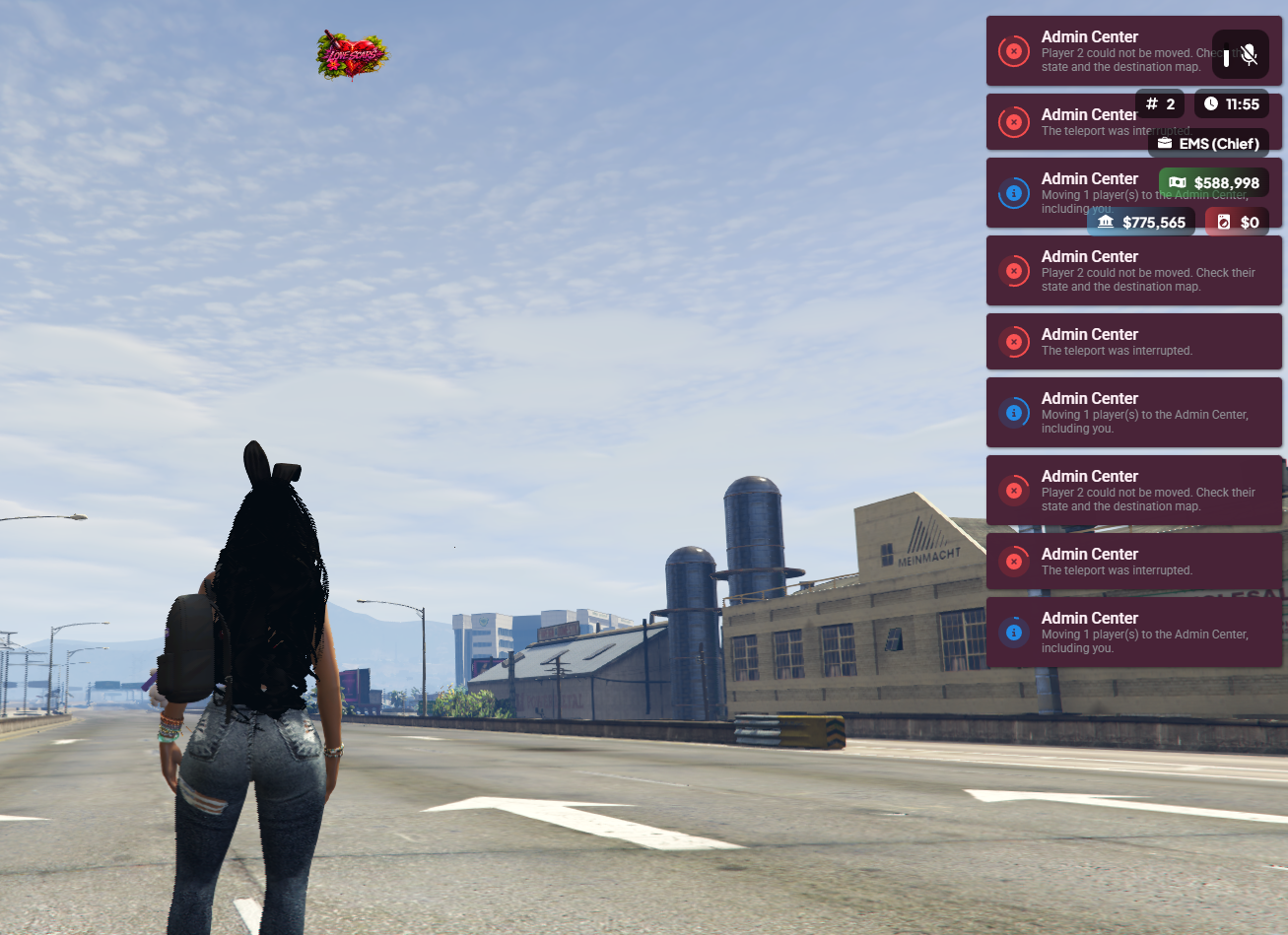
- Detailed teleport status notifications
- Optional server console logging
- Framework administrator permissions
- Custom identifier permissions
- Customizable notification colors
- Editable command names
- Automatic framework detection
- No SQL database required
- No inventory dependency
📍 Advanced Admin Center Teleportation
Administrators can quickly teleport themselves or selected players to a configured location.
- Teleport yourself using one command
- Bring individual players by server ID
- Bring multiple players simultaneously
- Automatically include the administrator
- Configure the destination coordinates
- Set a custom arrival direction
- Adjust arrival positioning
- Configurable group size limits
- Automatic player validation
- Prevent duplicate player selections
- Detect unavailable players
- Prevent overlapping teleport requests
- Individual arrival confirmations
Default Command Examples
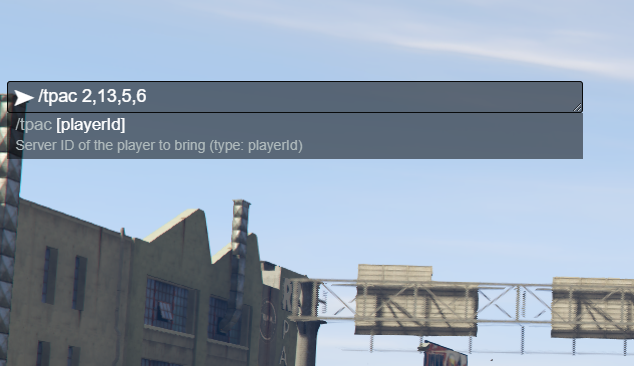
/tpac — Teleport yourself to the Admin Center.
/tpac 12 — Bring player 12 and yourself.
/tpac 12 34 56 — Bring multiple players together.
/tpac 12,34,56 — Bring multiple players using comma-separated IDs.
Default Configuration
- Maximum 12 selected players per command
- Adjustable limit up to 50 selected players
- 4 positioning columns
- 3-meter spacing between player positions
- Configurable arrival coordinates
- Configurable arrival heading
👥 Group Teleportation System
Move multiple players to the same designated location while maintaining individual arrival positions.
- Multi-player teleport commands
- Automatic group positioning
- Individual destination assignments
- Adjustable group spacing
- Configurable grid columns
- Automatic duplicate ID filtering
- Validate selected players before teleportation
- Detect players already being moved
- Separate teleport result notifications
- Configurable maximum group size
Players are assigned individual positions to reduce overlapping arrivals.
Group teleport requests validate the selected players before starting. Individual teleport failures are handled separately.
↩️ Player Return System
Return players to their previous locations after an Admin Center session.
- Save original player positions
- Remember original character heading
- Return individual players
- Return multiple players
- Restore original routing buckets
- Individual return validation
- Configurable return command
- Failed return retry support
- Prevent overlapping return requests
Available Return Commands
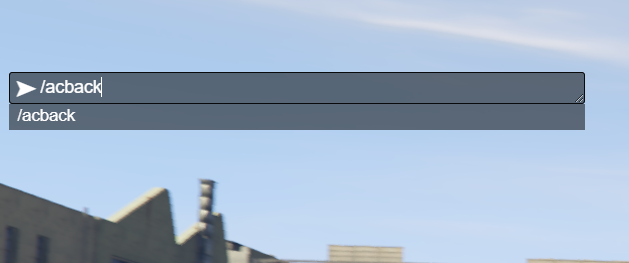
/acback — Return yourself to your previously saved position.
/acback 12 — Return player 12 to their saved position.
/acback all — Return everyone from your own Admin Center group who has an available saved return position.
Original return positions are maintained during the active character session. They are cleared after successful return, logout, disconnect, or resource restart.
🚗 Vehicle Handling
The system includes configurable vehicle handling during teleportation.
- Detect whether a player is inside a vehicle
- Optional driver vehicle teleportation
- Vehicle occupancy validation
- Detect additional passengers
- Controlled vehicle exit handling
- Configurable exit timeout
- Prevent unsupported cross-bucket vehicle transfers
- Keep unselected vehicle occupants behind
- Configurable vehicle teleport setting
- Vehicle entity control checks
When enabled, a driver traveling alone may bring their vehicle if the relevant conditions are met.
Other occupants must exit their vehicles before teleportation. Vehicles are not saved for later return trips.
🌐 Routing Bucket Support
Control how players are handled across server instances.
- Configurable destination routing bucket
- Move selected players into a designated instance
- Optional preservation of original routing buckets
- Save previous bucket information
- Restore original buckets during successful returns
- Cross-bucket vehicle safety checks
- Routing bucket validation
- Configurable bucket behavior through config.lua
This allows server owners to determine whether the Admin Center should use a shared routing bucket or preserve existing player instances.
🛡️ Teleport Safety & Validation
The system includes checks designed to reduce failed or interrupted teleports.
- Server-side administrator validation
- Player availability checks
- Character identity verification
- Teleport request tracking
- Collision loading validation
- Configurable loading timeouts
- Destination position confirmation
- Player state validation
- Screen fade handling
- Temporary entity freezing
- Supported rollback on failed teleportation
- Duplicate request protection
- Command cooldowns
- Interrupted operation handling
- Resource shutdown cleanup
- Character logout cleanup
Default Safety Settings
- 400 ms screen fade
- 5-second collision loading timeout
- 10-second position confirmation window
- 30-second overall teleport timeout
- 1.5-second command cooldown
All supported settings can be adjusted through the configuration.
🔐 Administrator Permissions
Restrict access to authorized server staff.
- ACE permission support
- QBCore administrator permissions
- QBOX-compatible administrator permissions
- ESX administrator groups
- Standalone ACE support
- Configurable administrator groups
- Manual identifier allowlist
- Server-side permission validation
- Permission revalidation during teleportation
Default Administrator Groups
ACE Permission
sleezy.admincenter.admin
Permission settings can be adjusted through config.lua.
🎨 Customization & Configuration
- Custom Admin Center destination
- Editable arrival coordinates
- Configurable arrival heading
- Adjustable target offsets
- Player formation spacing
- Configurable grid columns
- Custom routing bucket settings
- Adjustable maximum player count
- Custom teleport command
- Custom return command
- Vehicle teleport configuration
- Adjustable vehicle exit timeout
- Configurable fade effects
- Collision loading timeout
- Server confirmation timeout
- Teleport request timeout
- Custom command cooldown
- Editable notification title
- Custom notification colors
- Adjustable notification position
- Configurable notification duration
- Editable notification text
- Optional server console logging
- Editable config.lua
- Editable framework permission bridge
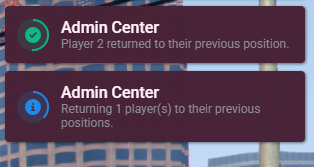
🔔 Notification System
The resource uses configurable ox_lib notifications to keep administrators informed.
- Teleport request notifications
- Successful arrival messages
- Player return confirmations
- Permission denied messages
- Invalid command notifications
- Unavailable player warnings
- Active teleport warnings
- Cooldown notifications
- Collision loading errors
- Teleport cancellation messages
- Custom notification colors
- Editable notification labels
📝 Teleport Logging & Error Handling
Optional console logging helps server owners troubleshoot teleport operations.
- Successful teleport confirmation
- Failed teleport information
- Cancellation reasons
- Teleport operation stages
- Position confirmation failures
- Destination coordinate diagnostics
- Routing bucket diagnostics
- Client error messages
Logging can be enabled or disabled through config.lua.
🧩 Framework Support
- ESX
- QBCore
- QBOX
- Standalone
- Automatic framework detection
The resource automatically checks supported frameworks in the following order:
QBOX → QBCore → ESX → Standalone
An editable server-side bridge is included for framework permissions and character identity integration.
📦 What's Included
- Advanced Admin Center Resource
- Group Teleportation System
- Individual Player Teleportation
- Player Return System
- Automatic Group Positioning
- Routing Bucket Integration
- Vehicle Handling System
- Collision Safety Checks
- Server-Side Validation
- Administrator Permission System
- Configurable Notifications
- Optional Console Logging
- Editable Configuration
- Editable Framework Bridge
- Installation Instructions
- Asset Escrow Configuration
🏠 Perfect For
- FiveM Roleplay Communities
- Server Administration
- Staff Meetings
- Staff Training Sessions
- Player Assistance
- Community Announcements
- Group Management
- Administrative Roleplay Situations
- Organized Staff Activities
- Server Management
⚙️ Installation & Requirements
- FiveM Server
- OneSync Enabled
- ox_lib
- ESX, QBCore, QBOX, or Standalone
Quick Installation
- Install and ensure ox_lib.
- Add sleezy_admincenter to your server resources.
- Configure your preferred Admin Center coordinates.
- Set up administrator permissions.
- Adjust player limits, spacing, and routing bucket settings.
- Ensure the resource after its dependencies.
- Test teleportation and return commands in-game.
No SQL database or inventory system is required.
⚙️ Important Information
This resource is a command-based administrator group teleportation utility. It does not include a full graphical admin menu, player banning system, or general server administration dashboard.
The Admin Center destination is configurable. The resource does not include an Admin Center MLO or map interior.
Server owners must install a compatible interior separately or configure an existing accessible location.
Teleportation depends on the availability of the destination, player entity state, routing bucket configuration, and successful collision loading.
Return positions are stored for the active character session and do not persist across disconnects or resource restarts.
The resource is intended for authorized FiveM server administration.
💎 Why Choose This System?
The Sleezy Development Advanced Admin Center System provides an organized way to bring administrators and selected players together without manually teleporting every player separately.
With group teleport commands, automatic player positioning, return functionality, routing bucket management, and configurable safety settings, administrators can manage staff gatherings and player assistance more efficiently.
Designed for communities looking for a straightforward, configurable administrator teleportation system with support for multiple frameworks.
Developer: Sleezy Development
Version: 2.1.2
Frameworks: ESX • QBCore • QBOX • Standalone
Resource: sleezy_admincenter
Database: Not Required
Dependencies: ox_lib • OneSync
Support: discord.gg/sleezydevelopment
Sleezy Development • Premium FiveM Systems